Everything you need, step by step.
New to MAGNAT3? These quick guides walk you through it — whether you're here to find, book, shop and learn, or to build and grow your business. Pick your side and tap any guide to see the steps.
Create your profile
Set up your profile in a few taps.
Here's the whole flow, screen by screen — from signing up to a live, ready-to-book profile.
Swipe through the steps
Get started
Open MAGNAT3 and tap Sign Up to begin.
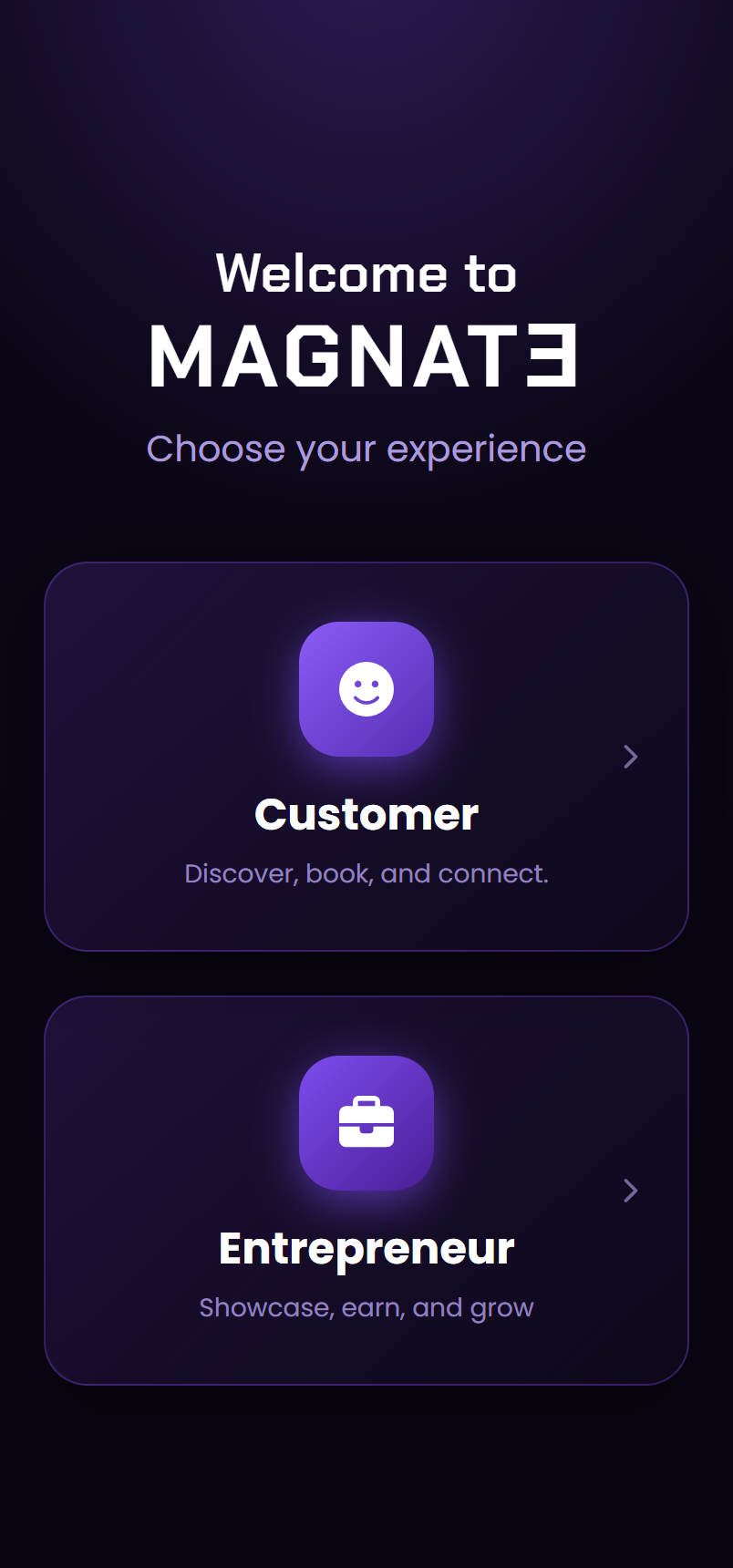
Choose your experience
Pick Customer or Entrepreneur — this shapes your profile.
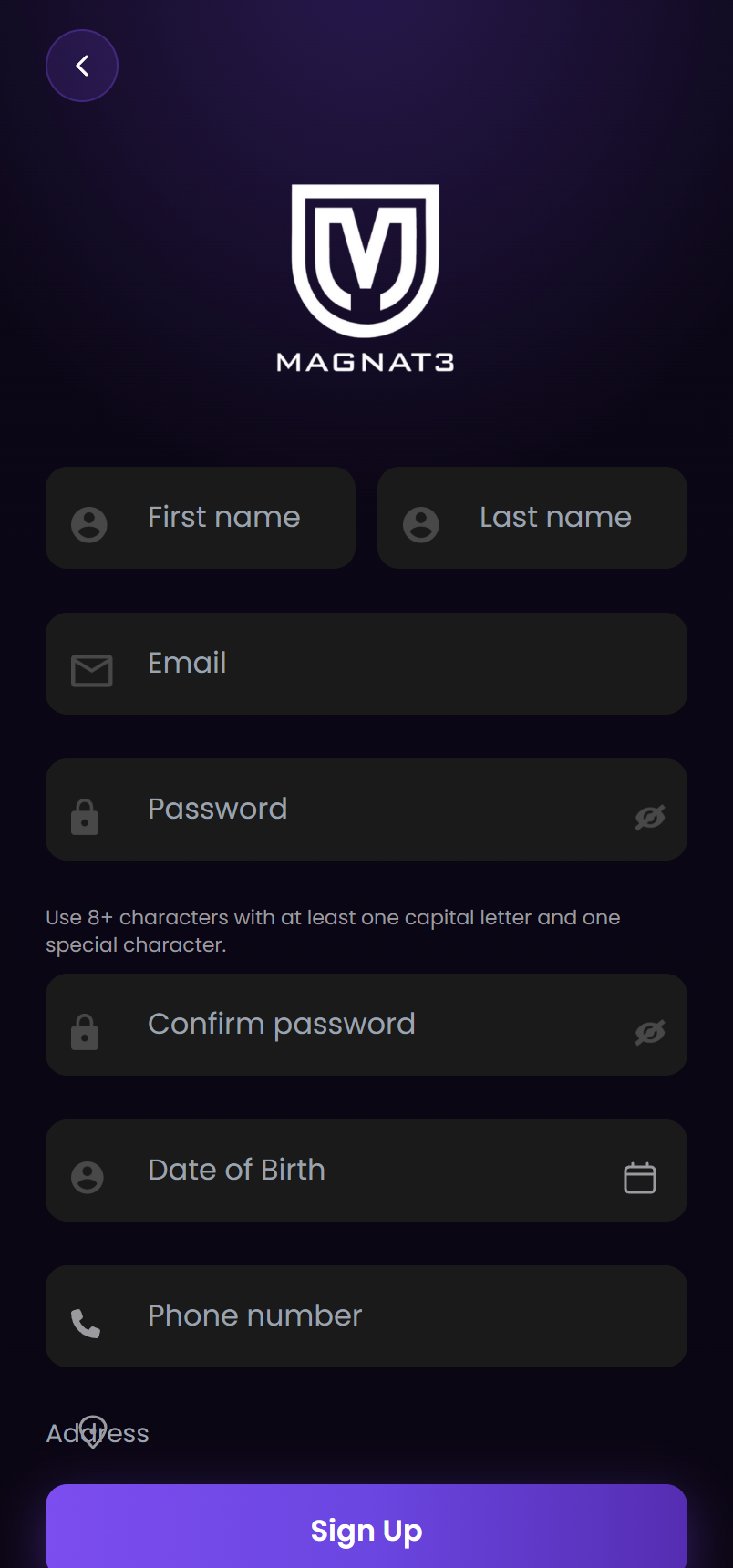
Create your account
Enter your name, email, phone, and a password.
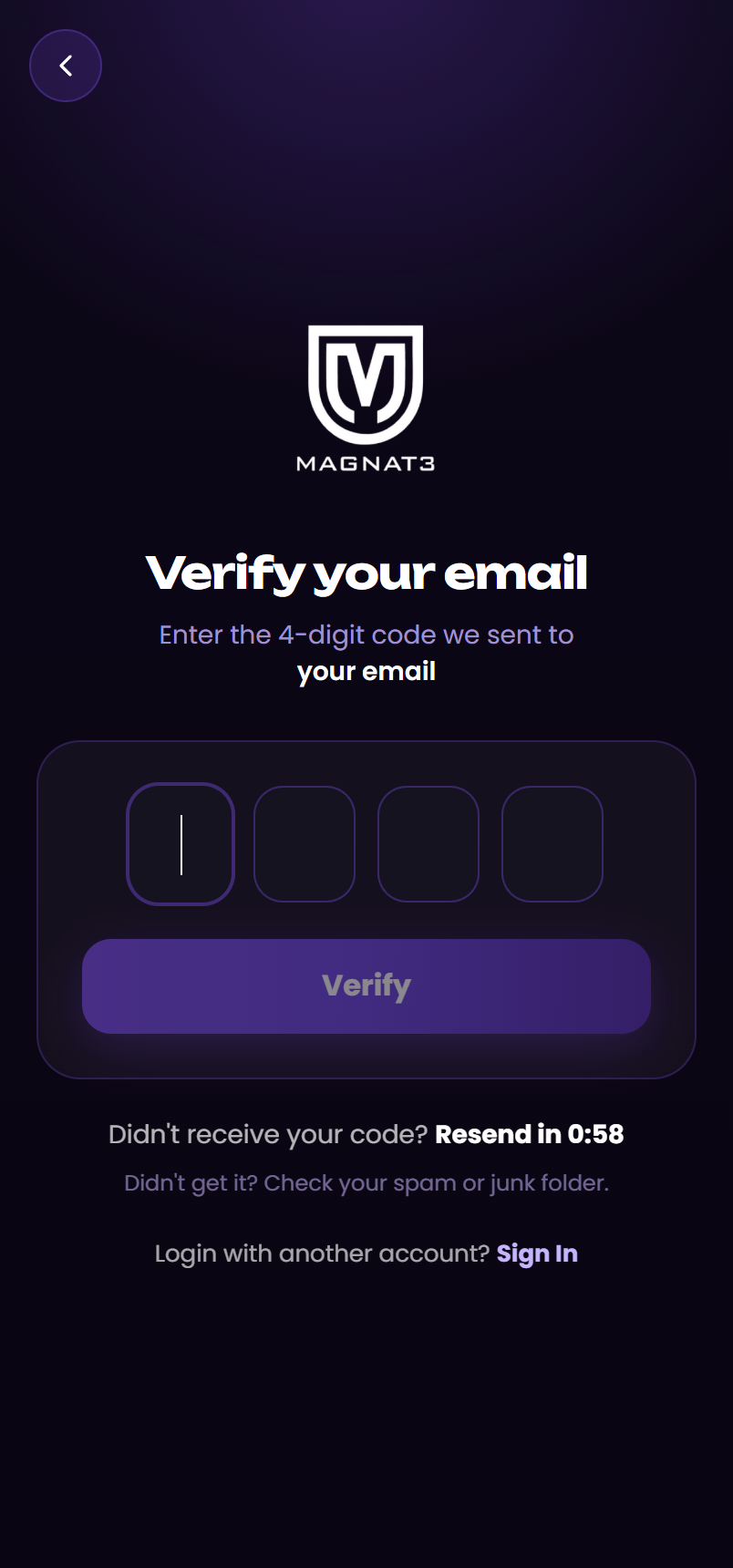
Verify your email
Enter the 4-digit code we send to confirm it's you.
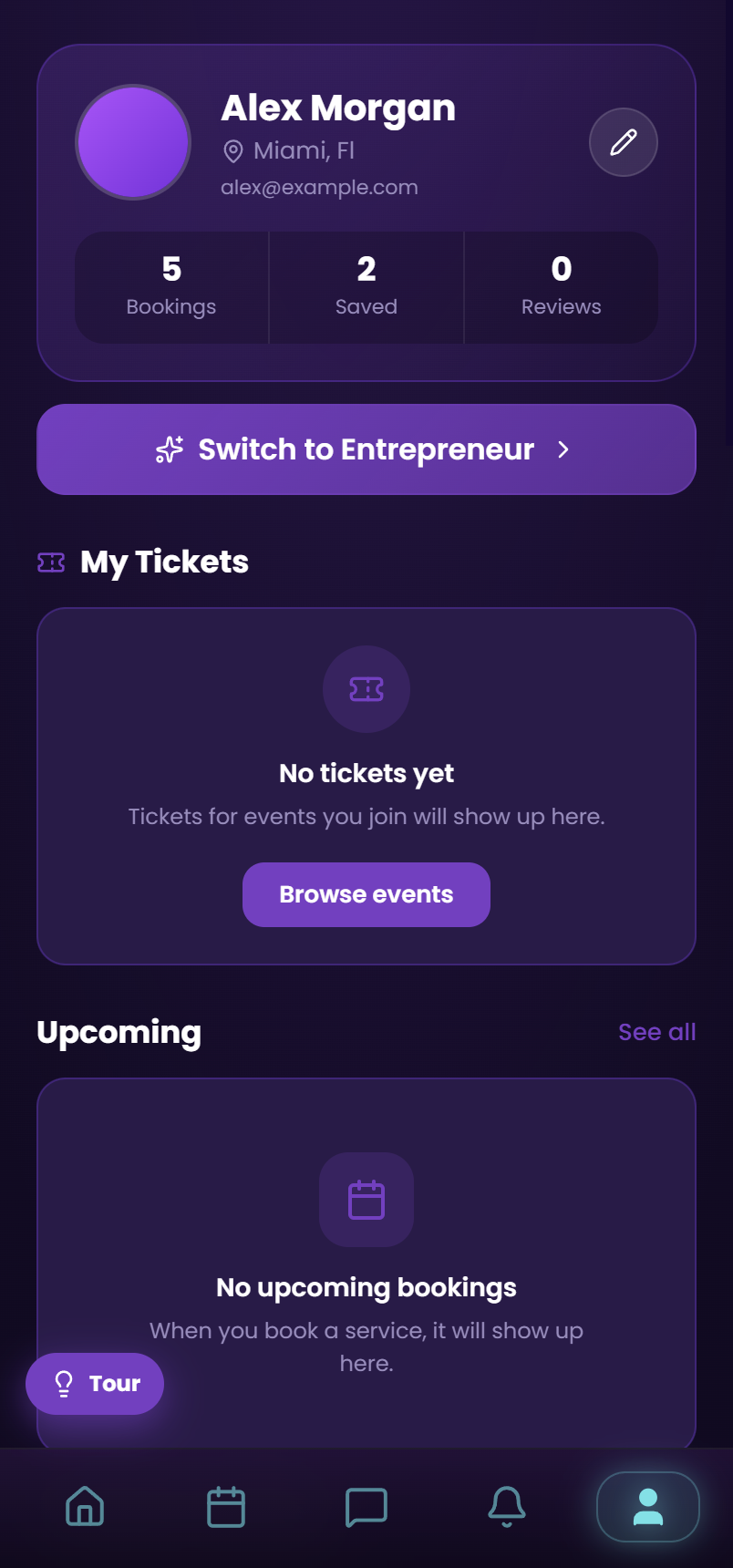
Your profile is ready
Your home base — tickets, upcoming bookings, saved pros, and account settings.
Tour the app
See the app from both sides.
The customer experience and the entrepreneur experience — screen by screen, in the app itself.
Swipe to explore
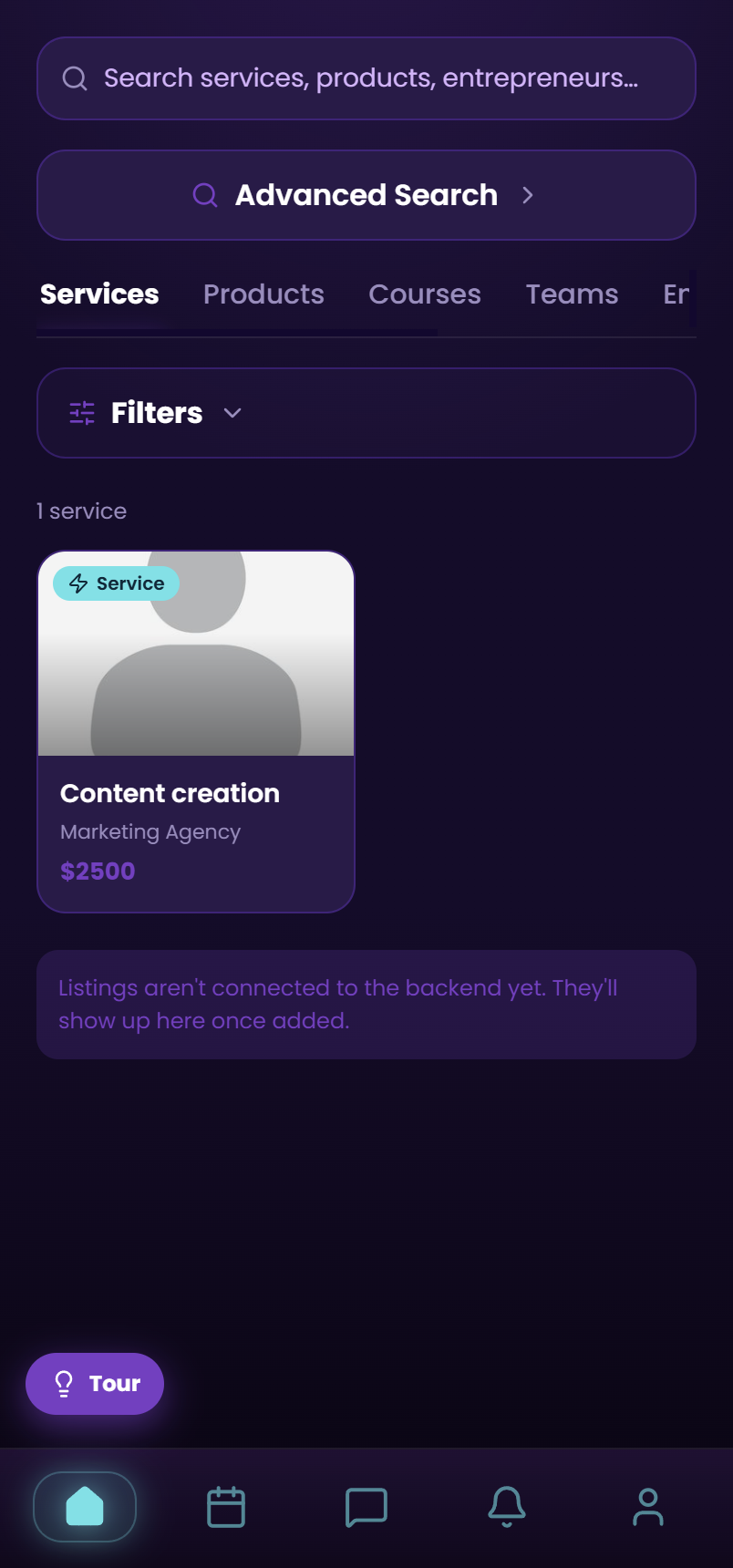
Home
Discover services, products, courses, teams & pros — search and filter to find the right one.
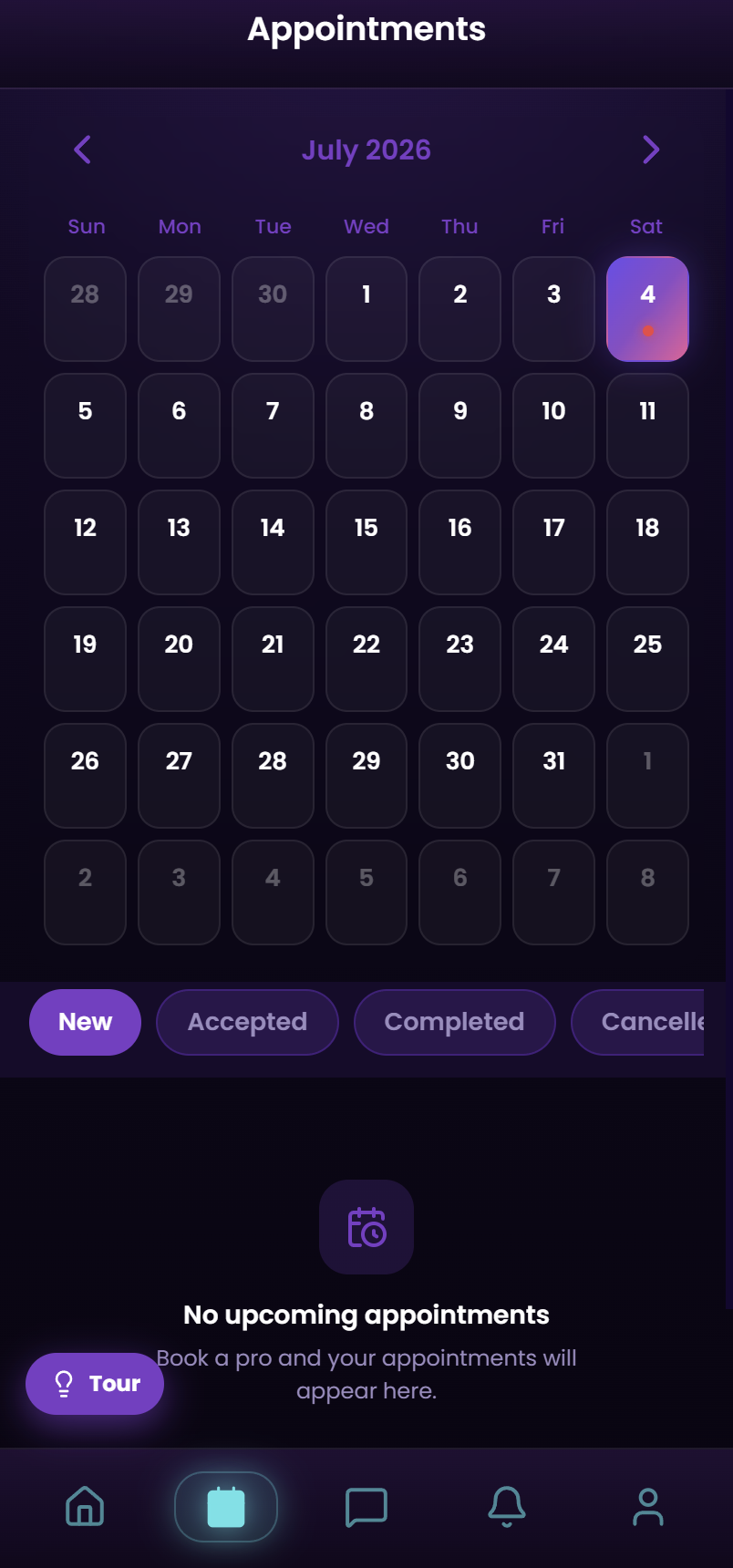
Calendar
Your appointments by day, with status filters: New, Accepted, Completed, Cancelled.
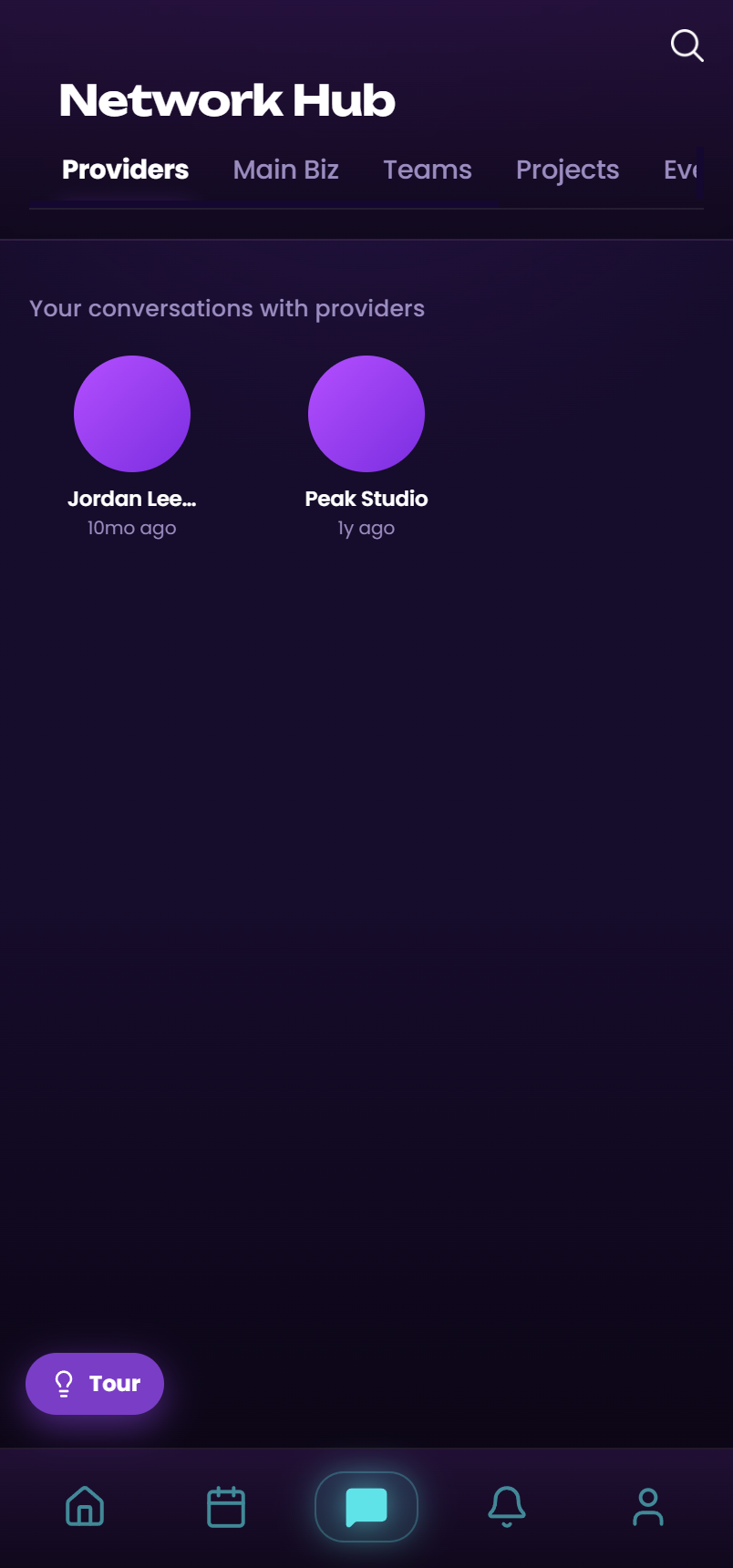
Network Hub
Providers, Main Biz, Teams, Projects, Events & Rooms — every connection in one place.
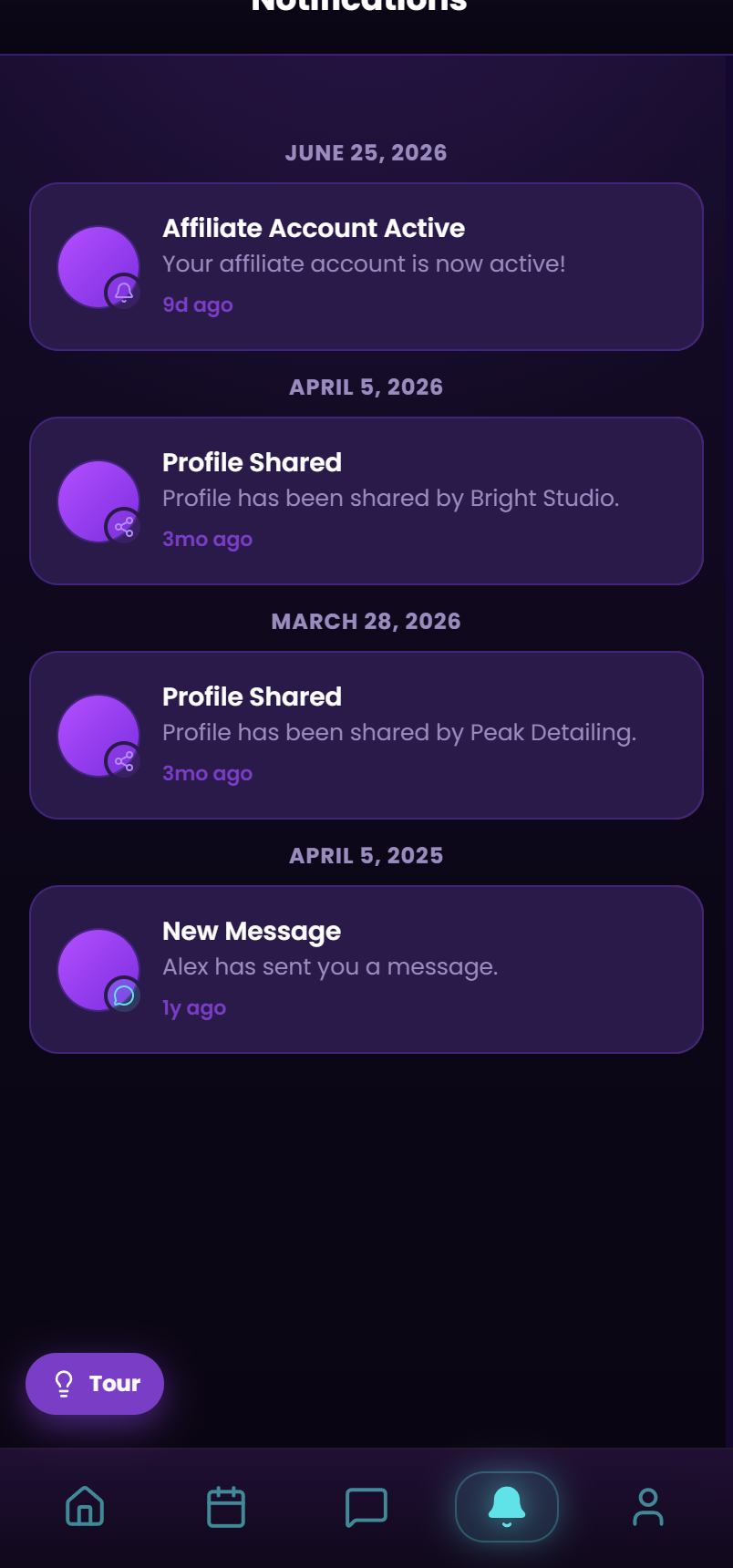
Notifications
Bookings, messages, profile shares, reviews & follows — everything happening on your account.
Profile
Tickets, upcoming bookings, saved pros & settings — plus one-tap switch to Entrepreneur.
Step-by-step guides
Choose your path, then follow along.
- Download MAGNAT3 from the App Store (or open the web app) and tap Sign up.
- Choose Customer when asked what brings you to MAGNAT3.
- Enter your name, email or phone, and a password.
- Verify your email or phone with the code we send you.
- Add a profile photo and your location so we can show pros near you.
- Tap Browse and search by service, industry, or location — or use filters for price, rating, and availability.
- Open a pro's profile to see their portfolio, reviews, services, and pricing.
- Pick the service you want and tap Book.
- Choose an available date and time from their calendar.
- Confirm and pay securely — you'll get a confirmation and reminders.
- Open Browse and switch to the Products tab.
- Open a listing to see photos, options, and seller info.
- Select any options (size, variant, bundle) and add to your cart.
- Check out and pay securely.
- Track your order and message the seller from your account.
- In Browse, switch to the Courses tab and open one that interests you.
- Review the curriculum, instructor, and what you'll learn.
- Pick a tier (Basic, Pro, or Premium) and purchase.
- Access your lessons any time from your account.
- Open the Messages / Network Hub tab.
- Under Main Biz, pin the pros you rely on by role — barber, mechanic, trainer, and more.
- Use Providers to jump back into any conversation instantly.
- Create Teams or a Project when a job needs more than one pro.
- Open the Events tab to browse upcoming workshops, classes, and experiences.
- Reserve your spot or buy a ticket — free or paid.
- Check in at the door with your digital ticket.
- Open Rooms to join a live audio/video conversation and ask questions in real time.
- See all your upcoming and past appointments in your account.
- Reschedule or cancel from the booking (per the pro's policy).
- After your service, leave a rating and review.
- Save your favorite pros so they're easy to rebook.
Still have questions? Reach out any time — or explore the full breakdown of what MAGNAT3 offers for customers and entrepreneurs.